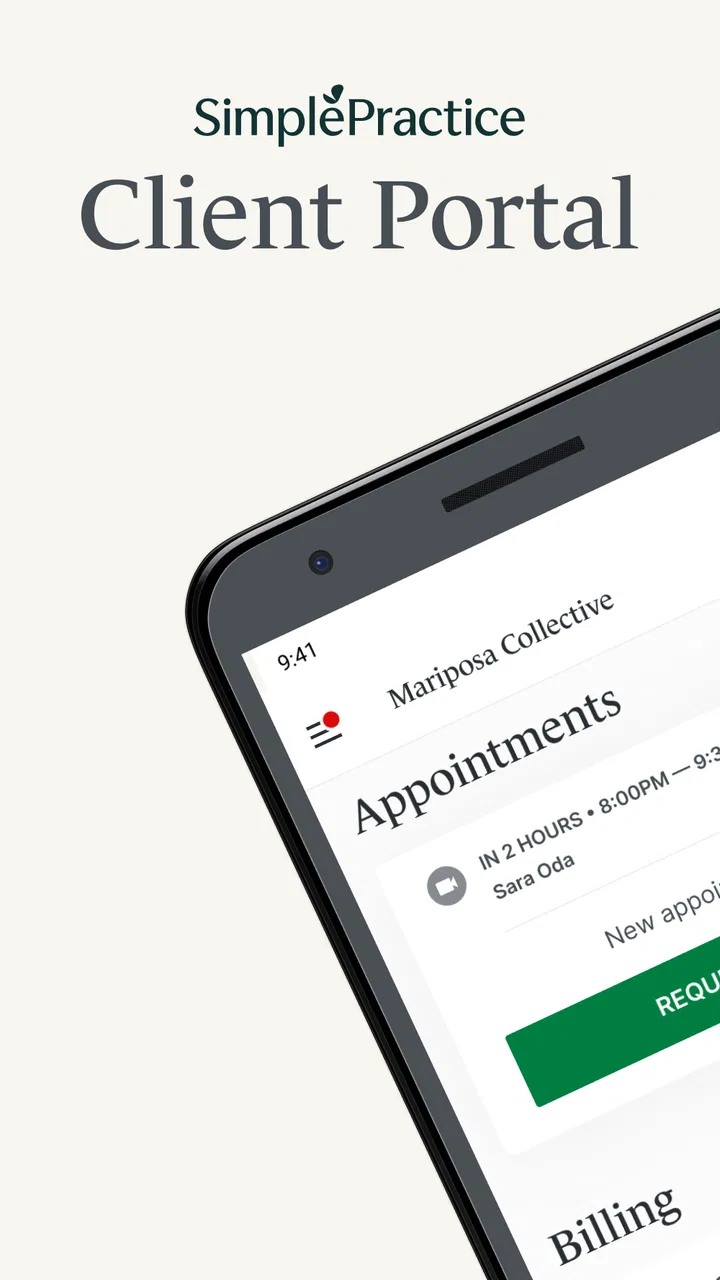
SimplePractice Client Portal
- 4.1
- Rating
- 1.00M
- Installs
- Free
- Price

 Analysis by App-foxy
I approached SimplePractice Client Portal as a client-facing medical app rather than as a replacement for a full healthcare record system. Its purpose is straightforward: it gives people a secure place to manage parts of an ongoing care relationship with a provider who uses SimplePractice. That distinction matters. The app is most useful when your clinician has already brought you into the SimplePractice system, because its value comes from keeping care-related tasks together instead of scattering them across email, paper notes, phone calls, and separate payment or scheduling conversations.
In everyday use, I found the appeal less about flashy technology and more about reducing small points of friction. A portal can be valuable when you need to check an appointment-related detail, review something your provider has shared, or handle a care task without searching through an old message thread. The experience feels designed for people who want a clear client doorway into professional care, not for users looking for general medical advice or symptom analysis.
The app is free, aimed at Everyone, and developed by SimplePractice. It belongs in the medical category and has reached over a million installs, with a 4.1 average from around a thousand ratings and hundreds of written reviews. Those figures suggest that it is already familiar to a substantial group of clients, while also leaving room for the kind of mixed experiences that are common with apps tied to provider workflows.
You May Also Like

 Blood Strike: 2.5 Anniversary
Blood Strike’s Loadouts Turn Every Drop Into a Tactical Gamble
A close look at Blood Strike’s custom loadouts: how fast access to signature weapons reshapes its battle royale rhythm, rewards preparation, and narrows the gap between fights.

 Pandora - Music & Podcasts
Pandora’s Music Is Easy to Start, but Harder to Recover
Pandora’s strength is its low-effort path from a seed to a station. Its weak spot is how much confidence it asks you to place in connection, setup, and quiet recovery.

 8 Ball Pool
 Is Built on Rivalries, Rematches, and Routine
A close look at the rivalries, rematches, shared routines, and unanswered safety questions that turn a quick pool match into a persistent mobile community.

 Samsung Music
’s Quiet Strength Is Playing What You Already Own
Its reach comes less from spectacle than from dependable access to a personal library. That simplicity is both the app’s strongest retention engine and its ceiling.

 AccuWeather: Weather Radar
AccuWeather Review: A Quick, Clear Forecast for Everyday Decisions
For everyday plans, the best forecast is the one you can understand quickly. AccuWeather makes rain timing, radar, and local conditions easy to act on, with a few trade-offs.

 Hill Climb Racing
Why Hill Climb Racing Still Turns Crashes Into One More Run
A tiny car, a bumpy hill and one more upgrade: Hill Climb Racing keeps resurfacing because its simple chaos makes every near-miss feel personal.
More From Our News Desk



How the portal feels during ordinary care tasks
I find the portal most useful when I treat it as a practical part of an existing care relationship, rather than expecting it to work like a standalone health hub. That distinction shapes what I look for next: whether the account and provider workflow give me enough clarity to handle sensitive tasks deliberately. A closer look at those choices matters more than a polished first impression.
Speed expectations: quick access matters more than visual polish
For this kind of app, speed is not about gaming-style animation or complex screens. I judge it by how quickly I can get from opening the portal to the specific care task I came to handle. When an app is used between appointments, the best experience is one that does not make me think about the app at all. I want to enter, orient myself, and finish the task without navigating through unnecessary sections.
The Client Portal app has a focused role, which gives it an advantage over a general healthcare app packed with unrelated tools. A narrower purpose can make the interface easier to understand, especially for someone who is not comfortable with technology. The main performance expectation should therefore be dependable responsiveness during short visits: checking something before an appointment, reviewing a message, or completing an item requested by a provider.
There is also a practical limit to what speed can solve. The app depends on the care relationship behind it. If a provider has not posted information, enabled a client task, or connected the relevant part of the portal, opening the app faster will not create anything new to manage. That is an important trade-off compared with a notes app or a calendar, where I control nearly all of the content myself.
I would not choose this app because I expect a rich dashboard full of immediate answers. I would choose it because a provider using SimplePractice has given me a reason to use that particular client channel. In that situation, a focused portal is usually more useful than repeatedly asking whether something was sent or trying to reconstruct details from several conversations.
A realistic appointment-day workflow
Imagine that I have a therapy appointment later in the day and want to confirm the practical details without calling the office. I open the portal, look for the relevant information, and use the same place for any client-side action my provider has made available. After the session, I return when I need to review a shared item or respond to a request. That repeated pattern is where the app makes the most sense: not as a destination I browse for long periods, but as a dependable doorway I revisit when care creates a task.
One useful habit is to open the app with a specific purpose rather than treating it like a general health feed. Before an appointment, check the items that relate to that visit. Afterward, deal with anything newly presented while the context is still fresh. This reduces the chance of overlooking a small administrative step simply because it arrived among unrelated personal messages.
Another practical insight is to separate portal information from personal health notes. I would use the portal for the provider-facing workflow and keep my own questions or observations in a private note-taking tool until I am ready to discuss them appropriately. That keeps the app from becoming a disorganized diary and makes each visit more deliberate.
Heavy-use moments: where the experience can feel less simple
The portal is likely to feel busiest when several care tasks arrive close together. A client may be switching between appointment preparation, provider communication, shared documents, and other account-related steps. Even if each individual screen is manageable, the overall experience can feel heavier when I am trying to complete everything in one sitting.
This is where I would slow down rather than rapidly tapping through screens. In a medical context, speed can become a disadvantage if it causes me to miss a detail or assume that a task was completed when it was only opened. A deliberate check at the end of a session is worthwhile: confirm what I actually submitted, what still needs attention, and whether I need to raise a question with the provider instead of treating the portal as an answer engine.
The app is also not the ideal tool for broad medical research. If I am trying to understand a diagnosis, compare treatment approaches, or decide whether a symptom is urgent, I would use qualified clinical guidance and direct communication with a healthcare professional. The portal can support an existing care process, but it should not be mistaken for an independent clinical decision-maker.
For households or people working with multiple providers, organization becomes more important. I would pay attention to which provider or care relationship I am viewing before acting on any information. A portal can reduce confusion when it centralizes care, but centralization only helps if I remain aware of the context attached to each item.
Reliability: the real test is recovery after interruption
Reliability in a client portal means more than launching successfully. I care about what happens when I lose concentration, switch apps, encounter a weak connection, or return later than expected. Medical tasks are often completed in short bursts, so the app needs to fit interrupted routines rather than assume that every session will be calm and uninterrupted.
My preferred approach is to treat every important action as something worth checking after it is done. If I submit or send anything significant, I look for a clear indication that the action went through before closing the app. If the screen appears stalled, I avoid repeating the action immediately, because duplicate submissions or duplicate messages can create unnecessary confusion. Instead, I would reopen the relevant area and verify the current state.
This is a small but important workflow insight: recovery should begin with verification, not repetition. It is especially useful when the app is being used in a busy environment, such as a commute, a waiting room, or a home with an unreliable connection. A portal should support confidence, but the client still has a role in confirming that a meaningful task was completed.
I also would not use the portal as the only place to remember a time-sensitive medical concern. If something requires urgent attention, I would follow the provider’s established contact method or seek appropriate urgent help. A client portal is convenient for routine care coordination, but convenience should not be confused with emergency availability.
Device constraints and the cost of a focused app
The current version is 1.8.0 and supports Android 7.0 or later. That gives it a broad reach across older Android devices, which is helpful for people who keep a phone for several years or use a budget handset. At the same time, an older operating system can bring practical constraints unrelated to the app itself, including slower general device performance, limited storage, or a less comfortable experience when many apps are open.
I would keep the phone reasonably maintained before judging the portal. Closing genuinely unnecessary background apps, keeping enough storage available, and installing system updates that the device supports can make a larger difference than expecting a medical portal to behave like a demanding entertainment app. The app’s focused purpose means I would not expect it to be a major resource burden during a short session, but the overall phone still shapes how responsive it feels.
Older hardware also makes recovery habits more valuable. If the app is removed from memory while I switch to another task, I would reopen it and confirm where I am before continuing. I would not assume that a partially completed care action has been preserved simply because the screen looked finished. That caution is useful on any older device, particularly when the task involves information that should be accurate.
People using iPhones or Android devices should also keep their expectations centered on the client experience rather than platform-specific extras. The important question is whether their provider uses SimplePractice for the relevant care workflow and whether the device can run the app comfortably. A newer phone may feel smoother, but it does not change the portal’s fundamental role.
What it does better than usual alternatives
The usual alternative is often a mixture of email, phone calls, paper forms, calendar entries, and personal notes. That mixture can work, but it spreads care-related information across places that are easy to forget. The Client Portal app has a clearer advantage when the provider is already using SimplePractice and wants clients to interact through a dedicated channel.
Compared with a general calendar, the portal is better suited to provider-connected tasks. Compared with email, it offers a more purpose-built setting for care interactions. Compared with a personal notes app, it is not meant to be a private archive of everything I think or feel; its strength is the connection to the professional workflow. Understanding that division prevents disappointment.
The trade-off is flexibility. A calendar lets me combine work, family, travel, and medical commitments in one view. A notes app lets me create any structure I want. Email is almost universal. The portal is narrower, so it wins when the provider relationship is active inside SimplePractice and loses when I need a universal organizer or a single place for care from many unrelated systems.
Who should use it, and who should skip it
I would recommend it to clients whose therapist, counselor, or other care provider uses SimplePractice and expects them to manage client-side tasks through the portal. It is also a sensible choice for people who dislike keeping appointment-related communication in ordinary email or who want a more consistent routine for checking care information.
It may be particularly helpful for someone who tends to lose paper instructions or forgets which message contained an important detail. Returning to one provider-connected app can make care administration feel less scattered. It can also help a family member supporting another adult keep a clearer routine, provided that the appropriate account and privacy arrangements are handled through the provider.
I would skip it if I am looking for symptom checking, medication guidance, emergency support, or a universal medical record that automatically combines every clinician. I would also hesitate if my provider does not use SimplePractice, because the app’s usefulness depends heavily on that connection. In those cases, a provider’s own recommended channel or a broader health-management tool may be a better fit.
Small habits that make the portal more useful
My first recommendation is to establish a regular check-in point connected to real care events, such as the day before an appointment and shortly after one. That is more effective than opening the app randomly and hoping something important appears. It turns the portal into part of a routine without making it feel like another social feed demanding constant attention.
Second, keep questions separate from completed tasks. If I think of something I want to ask during a session, I write it down privately and then use the appropriate provider-facing route when the time is right. This prevents a rushed message from replacing a conversation that deserves proper clinical context.
Third, verify the destination before sharing anything. A client portal is more focused than ordinary messaging, but I still want to make sure I am working in the correct care relationship and sending only what is relevant. This is a simple discipline that improves clarity and reduces avoidable follow-up.
Finally, make a recovery plan for interrupted sessions. If the phone locks, the connection changes, or the app is closed, reopen it calmly and check the current state. Do not rely on memory of the last screen. That habit is more valuable than trying to complete every task as quickly as possible.
My performance verdict
The Client Portal app is best understood as a practical access point, not a complete medical companion. Its performance value comes from keeping routine client interactions in a focused environment and from avoiding the disorder of scattered messages and paperwork. For a person already connected to a SimplePractice provider, that focus can make care administration feel more manageable.
Its limitations are equally clear. It cannot replace a clinician, an emergency channel, a general calendar, or a personal health journal. Its usefulness rises and falls with the provider’s workflow, and older phones may require more patience when switching between tasks or recovering from interruptions. Those are not reasons to dismiss it; they are reasons to use it for the job it was built to perform.
SimplePractice released this medical app on October 26, 2023, and the free download remains accessible to a wide range of Android users. After considering its speed expectations, heavier moments, recovery habits, and device demands, my view is positive but specific: choose it when your provider already works inside SimplePractice and you want a steadier client-side routine. If that describes your situation, I would recommend trying it and building a simple appointment-based habit around it. If you need broad medical tools or a universal organizer, I would look elsewhere rather than expecting this focused portal to become something it is not.
FAQs for SimplePractice Client Portal
01What features does the SimplePractice Client Portal offer?
The SimplePractice Client Portal provides clients with a seamless interface to manage appointments, access billing information, and securely communicate with their therapist. Clients can fill out intake forms, upload documents, and even access telehealth sessions directly through the portal. This all-in-one solution enhances client engagement and streamlines administrative tasks.
02How secure is the SimplePractice Client Portal?
Security is a top priority for the SimplePractice Client Portal. It employs robust encryption methods to protect sensitive client information and complies with HIPAA regulations to ensure data confidentiality. Clients can trust that their information is handled with the utmost care, making the portal a reliable choice for managing personal health data.
03Can clients book and manage their appointments through the portal?
Yes, the SimplePractice Client Portal allows clients to easily book, reschedule, or cancel appointments with their therapist. The portal's intuitive design ensures clients can view their therapist's availability in real-time and receive automated reminders, reducing no-shows and enhancing overall scheduling efficiency.
04Is the SimplePractice Client Portal user-friendly for clients unfamiliar with technology?
The SimplePractice Client Portal is designed with user-friendliness in mind, featuring a clean, intuitive interface that simplifies navigation for all users, regardless of their tech proficiency. The portal offers easy access to tutorials and customer support, ensuring that even clients who are not tech-savvy can use it effectively without frustration.
05What devices is the SimplePractice Client Portal compatible with?
The SimplePractice Client Portal is accessible on a wide range of devices, including smartphones, tablets, and computers. It is compatible with both Android and iOS systems, as well as various web browsers, ensuring that clients can access the portal anytime, anywhere, without compatibility issues.
Pros
- User-friendly interface for easy navigation.
- Secure messaging ensures privacy.
- Integration with Google Calendar.
- Customizable appointment reminders.
- Mobile access for on-the-go use.
Cons
- Limited customization for branding.
- Some features require premium plans.
- Occasional sync issues reported.
- No offline access available.
- Setup can be time-consuming.

SimplePractice Client Portal
Gallery